Quick Overview: Where they stand in 2026
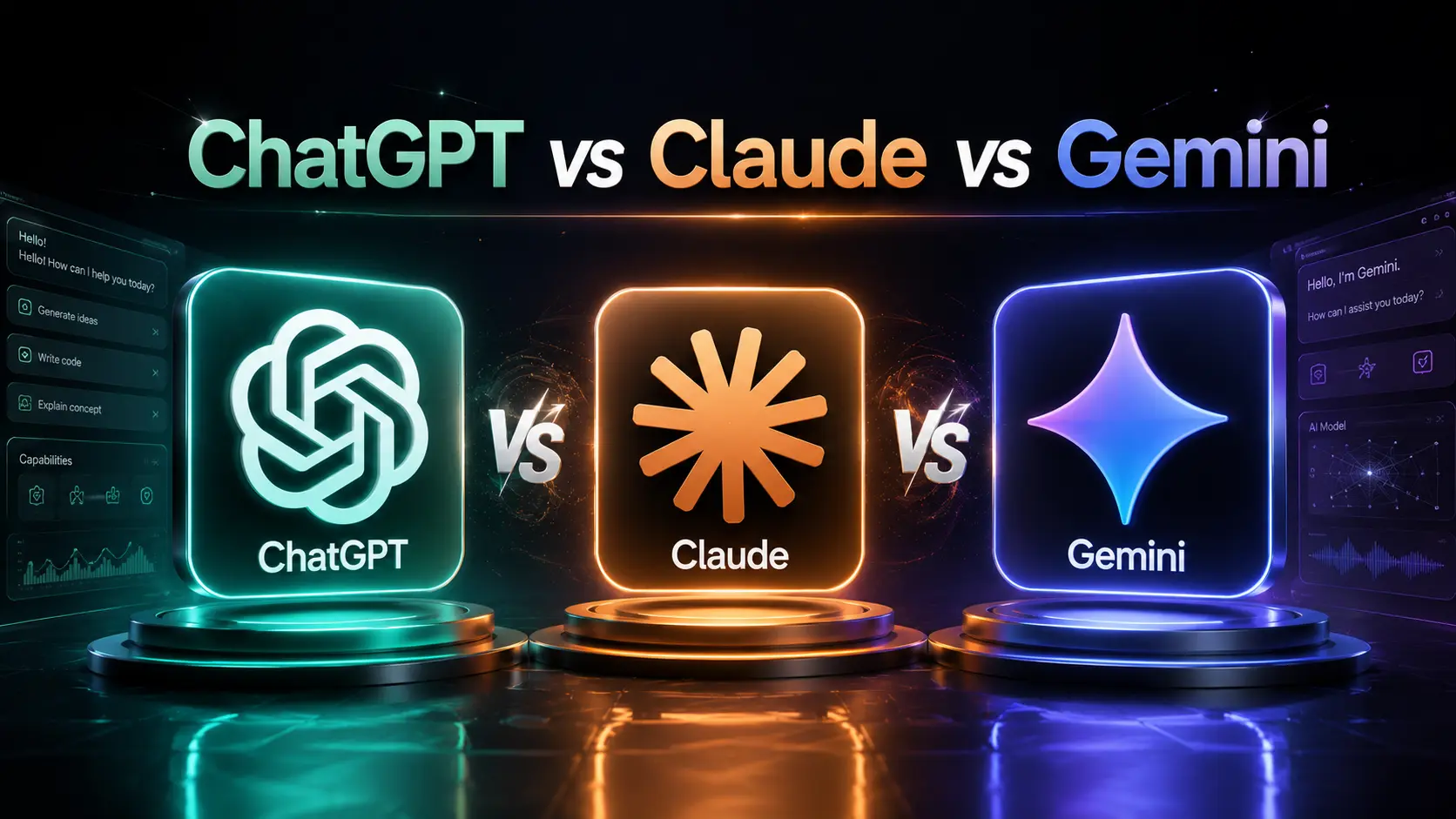
By 2026 the landscape has matured: OpenAI's ChatGPT remains strong in broad developer and enterprise integrations, Anthropic's Claude emphasizes safety, reasoning and agent primitives, and Google's Gemini focuses on web-scale multimodal search and deep Google Cloud integration. Each platform has distinct strengths — this guide helps you pick the right tool for your needs and workflows.
Side-by-side summary
- ChatGPT (OpenAI) — wide plugin ecosystem, developer SDKs, strong instruction-following, fast iteration cadence and broad multimodal support in many tiers.
- Claude (Anthropic) — emphasis on safer responses, constitutional approaches, strong long-form reasoning and agent orchestration tailored to enterprise controls.
- Gemini (Google) — deep web search/multimodal grounding, strong document understanding, integrated with Google Workspace and Cloud for retrieval-augmented workflows.
1. Writing and Long-form Content
All three produce high-quality copy in 2026, but they have different default strengths and workflows.
ChatGPT
Excellent for adaptable tone controls, multi-step content drafts and plugin-driven workflows (e.g., SEO, citations, publishing). Developers and agencies often choose ChatGPT for templated long-form pipelines and editorial automation because of mature API tooling and plugin marketplaces.
Claude
Strong at careful, cohesive long-form reasoning with fewer hallucinations in many benchmarks; Anthropic's safety-first tuning often results in more cautious assertions. Great for legal, whitepapers and drafts that need conservative phrasing and audit trails.
Gemini
Gemini shines when pieces must be grounded to recent web facts or multimedia sources. If you need content with live web references, data pulls or image-aware copy, Gemini’s search-native integrations make it easier to include up-to-date citations and media.
Best use
Choose ChatGPT for editorial workflows and integrations; Claude for high-assurance long-form reasoning; Gemini for web-grounded, multimedia-rich content.
2. Coding and Agentic Workflows
By 2026 each platform supports agentic workflows (tools/agents capable of performing multi-step tasks), but they differ in ecosystem and developer ergonomics.
ChatGPT
Rich ecosystem of code generation, "actions" plugins, and well-adopted copilots for IDEs. Many teams use ChatGPT as a code-review, CI helper and automated PR assistant integrated via webhooks and fine-tuned toolchains.
Claude
Claude are often used as orchestrators for safety-critical automation: chain-of-thought focused agents that include explicit guardrails. Anthropic’s developer SDK emphasizes controllable agents that can call enterprise APIs under policy constraints.
Gemini
Gemini combines code assistance with strong retrieval from web and internal docs; Google Cloud integrations make it a natural fit for data-heavy, infra-centric automation and MLOps flows.
Best use
For fast prototyping and wide tooling choose ChatGPT; for policy-driven orchestrations choose Claude; for infra, MLOps and web-connected agent tasks choose Gemini.
3. Research and Web Search
Research workflows in 2026 are dominated by models that can reliably cite sources and retrieve live results. Gemini retains an edge for web-grounded tasks due to Google's index and retrieval tech; ChatGPT and Claude both offer RAG pipelines and browser plugins/extensions.
Precision vs. Recency
Gemini tends to provide more recent web grounding out of the box. ChatGPT often balances generative fluency with tools/plugins that provide live web results, while Claude emphasizes safer summarization from retrieved content.
Best use
Use Gemini when up-to-the-minute web context is required; use ChatGPT/Claude with careful retrieval pipelines and verification for reproducible research.
4. Files and Projects
Project-level workflows — like working with codebases, documents and multi-file repositories — require strong context windows, file-system integration and edit-tracking.
ChatGPT
Offers file upload, Drive/Dropbox integrations and plugins for repository browsing. Good at generating contextual edits across multiple files when given the repo context via plugins or API.
Claude
Claude’s approach to file handling often prioritizes provenance and safer transformation rules, which can be appealing for sensitive internal docs. Enterprise tooling emphasizes audit logs and redaction controls.
Gemini
Gemini integrates naturally with Google Drive and Workspace, making collaborative document editing, search and multimodal attachments straightforward for teams already on Google infrastructure.
Best use
For Drive/Workspace workflows pick Gemini; for enterprise auditability pick Claude; for flexible plugin-based repo workflows pick ChatGPT.
5. Multimodal Capabilities
By 2026 multimodal models are standard: text, image, audio and structured data inputs are supported across vendors, but with subtle capability differences.
ChatGPT
Robust image and document understanding, and many third-party integrations for vision tasks. Plugins extend functionality to OCR, video summarization and specialized vision models.
Claude
Strong at multimodal reasoning with conservative outputs. Works well where visual context must be interpreted with safety constraints, such as medical imaging summaries (subject to validation).
Gemini
Gemini emphasizes grounding: web-image search, live image context and multimodal web retrieval are tightly integrated. For workflows that mix visual assets and web sources, Gemini is convenient.
Best use
For plug-and-play multimodal web grounding use Gemini; for conservative multimodal reasoning use Claude; for rich plugin-driven multimodal tasks use ChatGPT.
6. Artifacts and Project Workflows
Artifact generation (code, docs, diagrams, test suites) benefits from repeatable, auditable pipelines. In practice teams combine a model (for generation) with CI, tests and human review.
Recommendations: treat model outputs as drafts — store artifacts in version control, run automated tests, and log model inputs/outputs for traceability.
7. Professional Prompting
Prompt engineering in 2026 is less about hacks and more about reproducible prompt templates, parameterized functions and shared prompt libraries integrated into developer workflows.
Good professional prompts specify role, objective, audience, constraints, success criteria and verification steps. Use system-level instructions (or "instructions" in the API) to maintain safe defaults.
Example professional prompt
"You are a senior technical writer. Produce a 900–1,200 word
article explaining X to intermediate developers. Include a
3-point actionable checklist,
2 inline code examples, and 3 citations (URL + short quote).
Assume readers use VS Code and node 20."
8. 10 Professional Comparison Tips
- Define the outcome first — choose the model by the job, not brand preference.
- Use RAG (retrieval-augmented generation) for research tasks to reduce hallucinations.
- Standardize prompt templates in your team and version-control them.
- Prefer Claude or enterprise ChatGPT tiers for stricter audit and compliance needs.
- Use Gemini when real-time web grounding and media search are central.
- Run automated unit & integration tests on generated code before merge.
- Log inputs/outputs and context windows for reproducibility and debugging.
- Choose the model with the best SDK and plugin support for your stack.
- Measure quality empirically — A/B test prompts and models on held-out tasks.
- Plan for fallback: combine models (e.g., Gemini for retrieval + Claude for conservative synthesis) when appropriate.
9. Common Mistakes
The most frequent mistakes teams still make:
- Using raw model output as production content without tests or human review.
- Failing to provide clear success criteria or evaluation metrics.
- Not protecting sensitive data when using third-party APIs.
- Ignoring versioning — models, prompts and retrieval indices evolve, so reproducibility breaks silently.
- Relying on a single model for every task instead of choosing fit-for-purpose tools.
10. Quality Control
Build a simple quality pipeline:
- Automated checks (lint, unit tests, factuality filters).
- Human review for high-risk outputs (legal, medical, financial).
- Cross-check generation against trusted sources using retrieval.
- Track metrics: accuracy, hallucination rate, latency and cost per query.
- Regular audits and model refreshes tied to approved changelogs.
11. Pricing / Plan Considerations (2026)
Pricing is constantly changing and varies by tier (consumer vs enterprise), usage (tokens/compute), and added services (retrieval, plugins, agents).
General guidance:
- For low-volume experiments, consumer tiers (free/paid) are fine.
- For production, compare enterprise plans: look for data residency, SLAs, audit logs and rate limits.
- Consider total cost of ownership: request costs (tokens), storage (indices), engineering integration and human review time.
- Negotiate volume discounts and trial enterprise features (sand boxed agents, VPC connectors) before committing.
12. Practical Final Verdict
There is no single "best" model in 2026 — the right choice depends on your priorities:
- Choose ChatGPT if you want a broad plugin ecosystem, developer-friendly APIs, and flexible editorial tooling.
- Choose Claude if safety, conservative reasoning and enterprise policy controls are top priorities.
- Choose Gemini if you need the tightest web grounding, seamless Workspace/Drive integration, and multimodal search-first workflows.
Many teams adopt a hybrid approach: use Gemini for retrieval and media-aware tasks, Claude for high-assurance synthesis, and ChatGPT for integrations, authoring and developer tooling.
Official Links
Visit the official product pages for up-to-date features, pricing and docs:
(Always check each provider's documentation and enterprise pages for the latest 2026 features and legal terms.)
✨ Try Official ChatGPT ✨ Try Official Claude ✨ Try Official Gemini