Quick Side-by-side (2026)
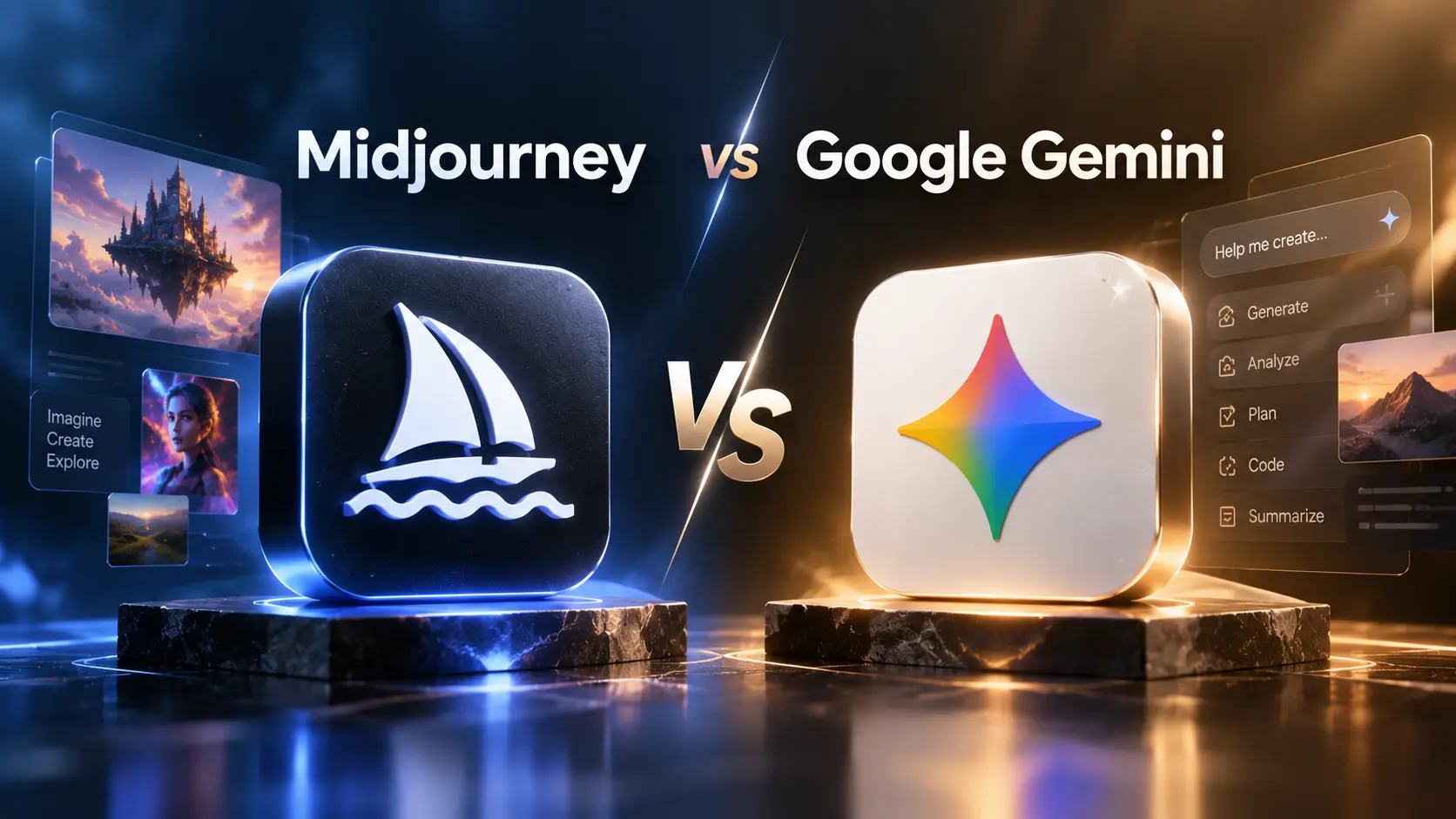
- Midjourney — artistically driven, excels at stylized, high-detail imagery; strong community, prompt library and iterative in painting workflows.
- Google Gemini (Visual) — integrated multimodal system with strong web grounding, vector search and tight Google Workspace/Cloud integration; optimized for reproducibility and multimodal grounding.
1. Image Quality & Style Control
Midjourney
Known for distinctive, artistic outputs. Prompt tokens and community styles yield striking, creative images. Excellent for editorial, concept art and stylized campaigns where aesthetic personality matters.
Gemini
Balances photorealism and stylized outputs with stronger grounding controls. Gemini places emphasis on fidelity to references and predictable rendering when you need consistent brand-compliant visuals across many variants.
When to choose
Midjourney for creative exploration and unique visual voices; Gemini when you need consistent, web-grounded visuals or to combine generated images with live data and search.
2. Prompting & Reproducibility
Reproducibility is critical for production. Midjourney offers seeds and style presets (community tokens) that can reproduce looks, but exact repetition may require saving the prompt + seed metadata. Gemini emphasizes structured prompts and programmatic APIs that make reproducing and parameter generations easier in production pipelines.
Tip
Always store prompt text, seeds, model/version and any style references with exported assets for later replication.
3. Character & Brand Consistency
Generating the same character across scenes remains challenging. Midjourney achieves memorable characters through careful style references and saved seeds; Gemini’s strength is consistent reproduction when you build a reference library and use retrieval to feed the model the canonical assets and constraints.
Recommendation
For recurring brand characters, use Gemini when you need programmatic, scalable consistency; use Midjourney when character appearance can vary artistically and human refinement is acceptable.
4. In painting, Edits & Iteration
Both platforms support targeted edits but with different ergonomics. Midjourney’s in painting and iterative compositing are artist-friendly: quick local edits and re-renders. Gemini’s editor integrates more deeply with Google tools and supports programmatic edit recipes that fit automated pipelines.
5. Video & Motion
By 2026, short-form motion and keyframe-driven video generation are part of the landscape.
Midjourney
Traditionally focused on stills, Midjourney workflows pipeline stills into video tools (frame-by-frame or interpolation). Useful for storyboards and keyframe art.
Gemini
Gemini includes motion primitives and multimodal synthesis that combine image generation with timeline-aware controls; it is often easier to create media that ties to live data or web assets.
Best practice
For production video, generate keyframes with either platform, then use specialized motion tools (After Effects, Premiere, Ideogram) for in-between frames and final compositing.
6. Multimodal & Search Integration
Gemini’s tight integration with Google’s search/indexing and Workspace gives it an edge when visuals must be grounded to the web or to internal documents. Midjourney integrates well with design tools and community resources but is less focused on live web grounding.
7. Files, Projects & Asset Management
Both platforms export industry-standard formats. Gemini’s advantage is seamless Drive/Workspace integration (shared libraries, versioning) while Midjourney’s community and API ecosystem make it easy to collect and manage prompt libraries and style presets. For production, store layered exports (PSD, SVG) and metadata in your DAM and attach prompt provenance.
8. Collaboration & Review
Midjourney’s community gallery is an inspiration source; internal collaboration usually happens in shared folders and review tools. Gemini integrates with Google’s comment and review flows, making stakeholder reviews and approvals part of familiar collaboration paths for many teams.
9. Licensing, IP & Ethical Considerations
Licensing and training-data provenance differ between vendors. Midjourney’s license terms and community norms have evolved; Gemini, backed by Google, emphasizes clearer enterprise terms and content safety tooling. For any commercial use: verify license terms, secure releases for likenesses, and maintain prompt/asset provenance to defend rights.
Practical checklist
- Confirm commercial usage rights and attribution requirements.
- Do not synthesize real person likeness without documented consent.
- Archive prompt metadata and reference files for future audits.
10. Integrations & Ecosystem
Midjourney connects well to designer workflows (Photoshop, Figma, DAMs) and has a vibrant third-party plugin ecosystem. Gemini’s tight Google Cloud and Workspace integrations make it appealing for teams that rely on Google for storage, indexing and publishing — especially when combined with vector search, Retrieval-Augmented Generation (RAG) and Cloud processing.
11. Pricing & Plan Considerations (2026)
Pricing models vary: subscription/quota for Midjourney, and usage-based + enterprise options for Gemini (often bundled with Workspace/Cloud commitments). Consider:
- Generation volume and priority rendering needs.
- Cost of high-resolution outputs and video frames.
- Enterprise features: private inference, SLAs, data residency and usage contracts.
- Total cost of ownership, including designer time for retouching and asset management.
12. 10 Professional Tips for Teams
- Version-control prompts and seeds alongside assets for reproducibility.
- Use small seed images and style libraries to keep a consistent brand voice across assets.
- Prefer iterative in painting over full re-generation to preserve composition.
- Cache and reuse high-value rendered assets for interactive apps to lower runtime cost.
- Combine Gemini’s retrieval capabilities with Midjourney’s style strengths when you need both consistency and artistry.
- Export layered PSD/SVG when final human editing is expected.
- Run blind preference tests on variants to select the strongest creative direction.
- Keep a legal log for likeness releases and prompt provenance for commercial use.
- Automate asset tagging and metadata capture at export to avoid manual bookkeeping.
- Plan human-in-the-loop retouching as part of scope and budget — AI outputs usually need polish for brand-quality work.
13. Common Mistakes
- Expecting perfect final art from a single generation pass — iterate and humanize.
- Failing to store prompt and model metadata — cannot reproduce favorites later.
- Using generated text/typography without verification — often contains artifacts and errors.
- Neglecting rights and releases when using likenesses or recognizable styles.
14. Quality Control
Set a simple QC pipeline: generate variants → shortlist → upscale & in paint → human retouch → brand compliance review → accessibility checks → export. Track QA passes and reviewer notes on each asset.
15. Practical Final Verdict (2026)
Both Midjourney and Google Gemini are excellent tools, but they serve different production needs:
- Choose Midjourney when you want expressive, artistic, and rapidly iterative concept art or campaign visuals that benefit from creative exploration and community-driven styles.
- Choose Google Gemini when you need programmatic reproducibility, strong multimodal grounding, integration with Google Workspace/Cloud and production pipelines that combine search, retrieval and visual synthesis.
Many teams find value in a hybrid approach: use Midjourney for creative exploration and concepting, then use Gemini (or Gemini-guided assets) for scale, consistency and web-grounded variants that must integrate into enterprise workflows.
Official Links & Further Reading
✨ Visit Midjourney — Official ✨ Visit Google Gemini — Official