What Is Notion AI (2026)?
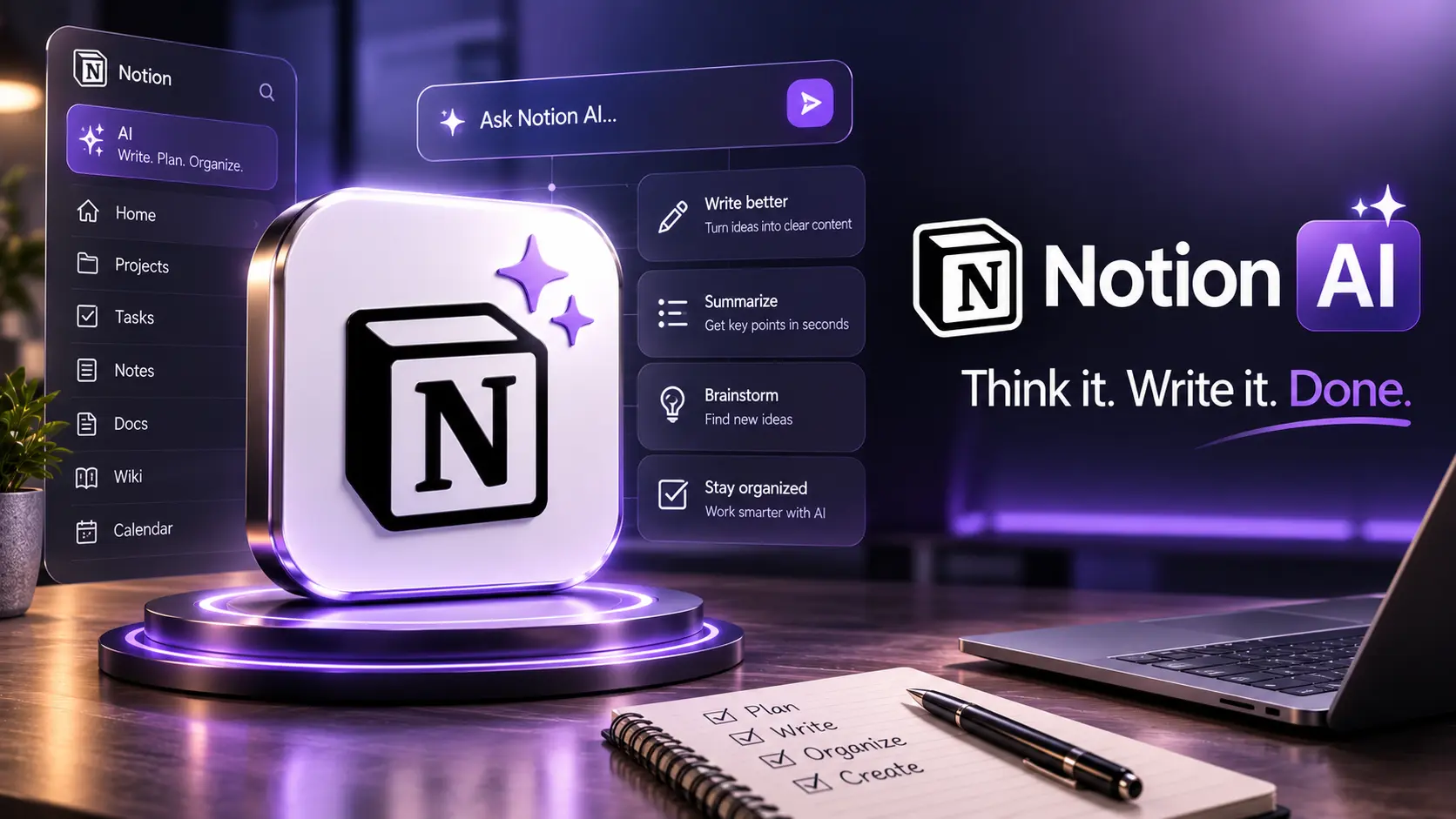
Notion AI is an integrated assistant inside Notion that augments note-taking, drafting, summarization, knowledge management and task workflows. By 2026 it emphasizes context-awareness (page content, linked database rows), workspace-level governance, and integrations that let AI suggestions feed downstream processes without breaking existing team patterns.
Why Notion AI Matters
Notion's differentiator is context: the assistant has direct access to the surrounding page, database relations and linked resources. That makes it more practical for generating on-point drafts, extracting action items, summarizing meeting notes and maintaining a living knowledge base where AI outputs stay attached to sources and change over time.
Key Capabilities
- Page summarization — concise executive summaries, TL;DRs and bullet lists extracted from long notes or meeting transcripts.
- Draft generation — blog posts, release notes, emails and SOPs created from prompts and structured templates.
- Research & context lookup — retrieval from linked pages and databases for grounded answers within the workspace.
- Task extraction — auto-detect action items and convert them to tasks with assignees and dates in Notion databases.
- Rewrite & polish — tone, style and brevity adjustments tuned to team voice.
- Project templates & automation — AI-powered templates that scaffold common workflows (onboarding, postmortems, product specs).
- Governance & admin controls — workspace-level policies, prompt templates, and retention settings for AI usage.
1. Writing & Long-form Content in Notion
Explore verified tools and practical guidance for this category.
Prompt pattern
"You are a product marketing writer. Draft a 600–800 word announcement for feature X using the notes below. Include a short customer quote, 3 benefits and a CTA. Keep tone professional and concise."
2. Research & Workspace Grounding
Notion AI's workspace grounding is its most practical capability: when you ask a question, the assistant can inspect the current page, referenced documents, and linked database records (if permitted) to provide an answer that cites internal sources. For teams, this reduces context loss and keeps synthesis close to original evidence.
Best practice
- Organize canonical documents (specs, playbooks, vendor docs) in dedicated pages and link them to related projects.
- Use explicit references in prompts (e.g., "Use only the 'Q3 roadmap' page as source").
- Enable version tracking on important pages so AI outputs can reference a stable revision.
3. Files, Databases & Projects
Notion AI can read and synthesize structured database rows and attached files (depending on plan and admin settings). You can ask it to produce a summary of a project's health by aggregating status fields, overdue tasks, and recent meeting notes — all inside a dashboard page.
Example
Create a "Project Health" page that pulls key database views; ask Notion AI: "Summarize the project health, list top 3 risks and propose next steps." The assistant returns a structured summary that can be converted into tasks.
4. Multimodal & Attachments
By 2026 Notion supports basic multimodal features: OCR for uploaded images, transcript ingestion for audio/video attachments and caption-aware summarization. These features let teams include design mockups, whiteboard photos and meeting recordings in the same knowledge flow while making them searchable and citable by the assistant.
5. Artifacts & Project Workflows
Treat AI outputs as living artifacts: store the prompt (or prompt template), the assistant version, and the page revision together. Notion's page history and comment threads are ideal for review loops — reviewers can annotate the generated draft inline, and the author can request targeted revisions from the assistant.
6. Professional Prompting & Templates
Create reusable prompt templates for repeatable tasks (meeting summary, PR description, release note). Store them in a shared template library and version them like other internal docs so teams get consistent AI behavior and can audit changes to prompts as policies or voice preferences evolve.
Template example
Template: Meeting Summary (Engineering)
Inputs: Meeting notes page, attendees, date
Output: 5-bullet summary, decisions, action items with owners
7. Common Mistakes Teams Make
- Using AI without source constraints — results may draw from broader training data unless limited to workspace content.
- Not versioning prompts — leads to inconsistent outputs and hard-to-audit changes.
- Publishing AI drafts without human review — always have an editor or domain reviewer for external-facing pieces.
- Allowing unrestricted AI access to sensitive pages — use admin controls to scope AI to appropriate content.
8. Quality Control & Verification
Implement a lightweight QC pipeline inside Notion:
- Generate draft with Notion AI.
- Annotate claims and link to internal sources or external references.
- Peer review in comments and request targeted changes from AI.
- Mark final approved revision and export/publish from Notion with provenance metadata.
9. Governance, Security & Admin Controls
For enterprise adoption, Notion provides admin controls for AI: workspace-level toggles, audit logs for AI usage, prompt templates enforced by admins, and data residency options on higher-tier plans. Best practices:
- Define which pages or databases are allowed to be used by AI (whitelisting).
- Retain logs of AI interactions for compliance and training improvement.
- Use private AI inference options if your provider or plan supports it for regulated data.
10. Integrations & Automation
Notion AI works best when combined with integrations: sync meeting transcripts from conferencing tools, push task actions to Jira or Asana, and connect publishing pipelines (CMS). Automation patterns include converting AI-detected action items into tasks in a database and sending weekly digest summaries to Slack or email.
11. Pricing & Plan Considerations (2026)
Notion typically offers AI features as add-ons or bundled with team/enterprise plans. When evaluating cost, consider:
- AI usage volume (pages summarized, drafts generated) and metering model.
- Enterprise features: audit logs, SSO, data residency and private inference.
- Integration and automation needs that may require higher-tier plans or third-party services.
- Cost of human review and governance processes as part of total adoption expense.
12. 10 Professional Tips for Getting the Most from Notion AI
- Build a small set of vetted prompt templates for common tasks and store them centrally.
- Always attach source links or internal references when generating factual summaries.
- Version prompts and include a short changelog when you update them.
- Use AI for scaffolding and routine edits; keep domain experts for substantive review.
- Automate action item extraction and assignment to reduce meeting follow-up friction.
- Restrict AI access to sensitive workspaces and enable logging for auditability.
- Train new team members on how to verify AI outputs — make verification part of onboarding.
- Use Notion databases and views to create dashboards that surface AI-generated insights (risks, blockers, decisions).
- Keep a running "AI exceptions" log of cases where the assistant failed or produced wrong claims — use it to refine prompt templates and guardrails.
- Schedule regular reviews of prompt templates and workspace policies as models and needs evolve.
13. Common Use Cases & When to Choose Notion AI
Notion AI is a great fit when your team wants AI tightly coupled with your knowledge and workflows: meeting summaries, product specs, onboarding guides, SOPs, release notes and internal research. It is less appropriate if you need extreme control over the model (full on-prem training) or if you must avoid any third-party inference for regulated data — in those cases consider a private inference or self-hosted alternative.
14. Practical Final Verdict (2026)
Notion AI is a pragmatic, workspace-first assistant that meaningfully reduces friction in knowledge work. Its key strength is context: AI that understands the page, linked databases and team templates. For teams that adopt governance, versioned prompt templates and human review, Notion AI accelerates drafting, improves knowledge discoverability and shortens feedback loops. Evaluate it with a pilot that mirrors real project workflows and measure time saved, editorial cycles shortened and quality of outputs before full rollout.
Official Link
For the latest features visit:
✨ Explore Notion AI — Official