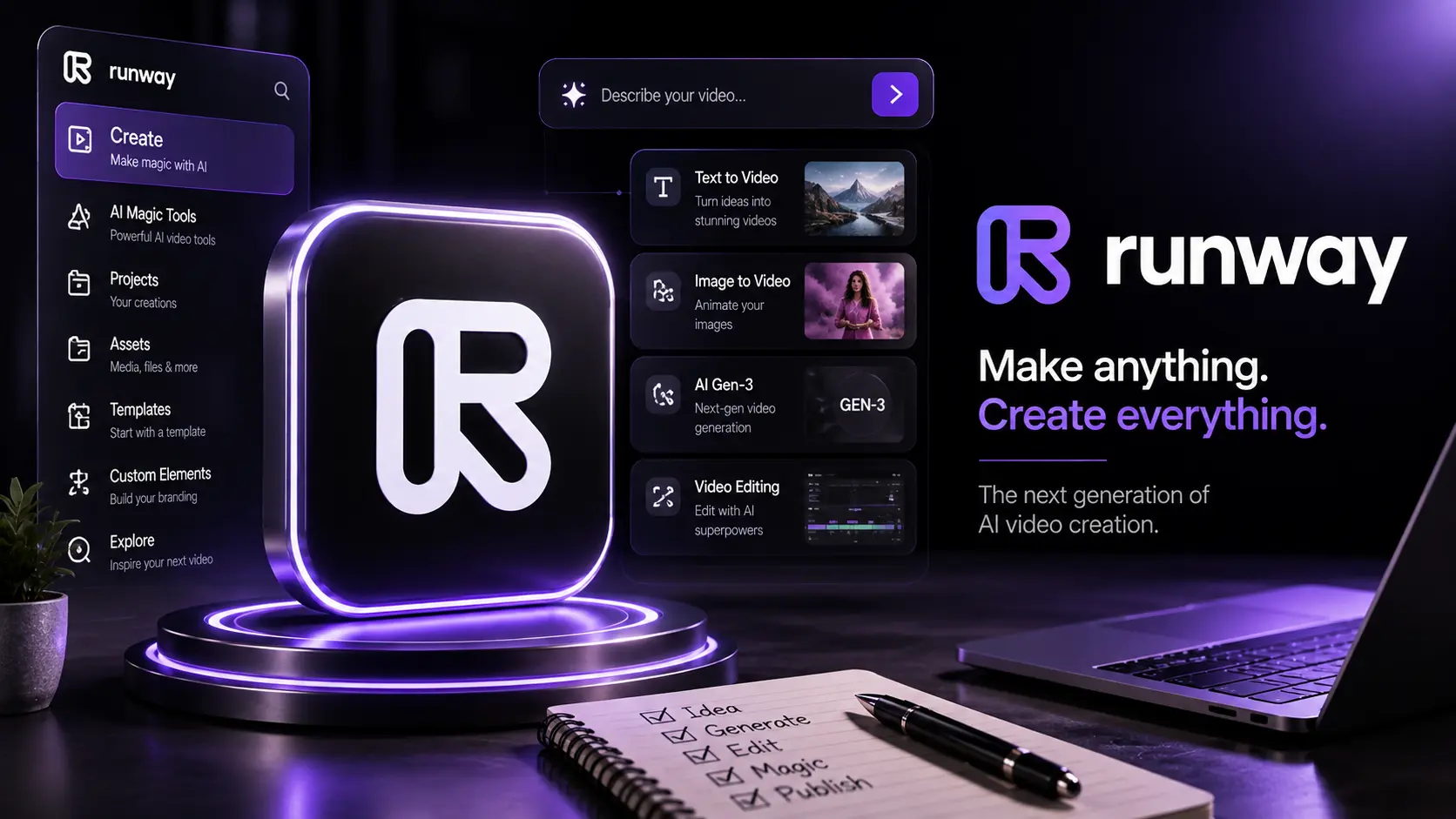
What Is Runway AI Video?
Runway is built for a different kind of AI workflow: instead of treating video generation as a one-click novelty, creators can use it as part of a visual production process. The strongest results usually come from combining a well-prepared image, a controlled prompt, intentional camera direction and a review-and-refine loop.
That approach makes Runway especially interesting for filmmakers, social creators, agencies, marketers, educators and small production teams. It can help turn a concept frame into motion, explore visual ideas quickly, create short-form sequences and prototype shots before committing to a traditional production.
The important distinction is that AI video quality is rarely determined by the prompt alone. A professional-looking result comes from the whole workflow: the source image, subject design, motion direction, lens language, lighting, continuity, shot duration, iteration and final quality control.
Why Runway Is Useful for Professional Video Creation
Traditional video production can require locations, cameras, lighting, actors, crew and significant post-production time. AI video does not remove the need for creative decisions, but it can make visual experimentation dramatically faster.
A creator can develop a reference image, test several motion directions and compare different visual treatments without rebuilding an entire physical setup for every experiment. For agencies and independent creators, that makes AI video particularly useful during concept development and pre-production.
The best use is not simply "generate a video." It is to use Runway as one stage in a repeatable production pipeline where every shot has a purpose and every generation is evaluated against the final edit.
What Can You Create With Runway?
Runway can be useful across many visual formats. The exact capabilities depend on the model and product version you are using, but the broader workflow is valuable for short cinematic clips, product concepts, social media visuals, mood pieces, advertising concepts, storyboards and experimental sequences.
1. Cinematic Concept Shots
Build a single strong visual and animate it with controlled movement. This works well for establishing shots, atmospheric scenes and concept trailers where the goal is to communicate a mood rather than document a real event.
2. Product and Brand Visuals
Product-focused work benefits from deliberate framing. Keep the product readable, avoid unnecessary motion and specify how the camera should move around it. A subtle push-in or controlled orbit can often communicate more professionally than random movement.
3. Social and Short-Form Content
Short videos need a clear visual idea immediately. Instead of asking for a generic "cool video," define the subject, environment, action, camera behavior, lighting and intended mood. This gives the generation a visual brief rather than a vague request.
Professional AI Video Prompting
A useful video prompt describes what should happen in the shot, not just what the scene should look like. Image generation often focuses heavily on appearance; video prompting must also communicate motion, timing and camera behavior.
A practical structure is: subject + environment + action + camera movement + lens/framing + lighting + atmosphere + motion constraints. You do not need to include every element in every prompt, but the structure helps prevent generic results.
Weak Prompt
"A cinematic woman walking in a city."
Stronger Professional Prompt
"A confident woman in a tailored dark coat walks slowly along a rain-slicked downtown street at blue hour. The camera performs a smooth, subtle tracking movement beside her, maintaining a medium shot. Soft practical storefront lights reflect on the pavement, light mist hangs in the air, natural fabric motion, restrained realistic movement, cinematic depth of field, premium commercial mood."
Notice the difference: the second prompt defines movement and production intent. It gives the model a clearer idea of what is moving, how the camera behaves and what the scene should feel like.
Image-to-Video Workflow: A Better Starting Point
For controlled creative work, image-to-video is often a more practical approach than asking the model to invent everything at once. Start with a carefully designed still image that already contains the composition, subject, wardrobe, environment and lighting you want.
- Create the master image. Build the strongest possible reference frame before adding motion.
- Check composition. Make sure the subject, background and important objects are positioned correctly.
- Define one primary motion. Choose whether the subject moves, the camera moves, or both in a controlled way.
- Generate a short test. Use the first result to identify motion problems rather than trying to perfect everything immediately.
- Refine the prompt. Change only the variables that caused the problem.
- Select the strongest take. Treat generations like production takes and compare them before editing.
This workflow is more reliable because the visual identity is established before motion is introduced. It also makes iteration easier: if the movement is wrong, you can refine the motion direction without redesigning the entire scene.
Camera Movement Guidance
Camera language is one of the easiest ways to make an AI-generated clip feel more intentional. Rather than writing "moving camera," choose a specific movement that matches the scene.
Slow Push-In
Use a slow push-in to increase attention or emotional intensity. It works well for portraits, product reveals and dramatic moments.
Tracking Shot
A lateral or forward tracking movement is useful when the subject is walking, driving or moving through an environment. Keep the direction simple so the model has a clear motion path.
Orbit
A controlled orbit can reveal a product, character or environment. Keep the rotation modest when subject geometry needs to remain stable.
Static or Locked Camera
Do not underestimate a static camera. If the subject action is already interesting, locking the camera can reduce unwanted warping and make the shot easier to cut with other scenes.
Subject Consistency: Keeping Characters and Objects Stable
Consistency is one of the biggest challenges in generative video. A character may subtly change clothing, facial features or proportions when the prompt introduces too much motion or too many new visual variables.
Start with a strong reference image and preserve the important identity cues: hairstyle, clothing silhouette, accessories, color palette and general proportions. When creating multiple scenes, reuse the same reference whenever the workflow allows it and avoid rewriting the character description in radically different ways.
Another useful principle is to separate identity from action. Keep the identity description stable while changing only the action and environment required for the next shot.
Cinematic Lighting and Atmosphere
Lighting is not decoration; it is part of the visual story. A prompt becomes more useful when it describes the quality and direction of light rather than simply saying "cinematic lighting."
Consider phrases such as soft window light, overcast daylight, warm practical lights, cool dusk ambience, rim light, volumetric haze, controlled studio lighting or high-contrast night lighting. Then connect the lighting to the subject and environment.
For example, a premium product scene might use a dark controlled environment with a narrow key light, soft edge highlights and subtle reflections. A documentary-style street scene might work better with natural overcast light, realistic shadows and restrained color.
Multi-Scene AI Video Workflow
Professional-looking videos are usually built from multiple purposeful shots rather than one long generation. Plan the sequence before generating clips.
- Shot 1 — Establishing: introduce the location, time and overall mood.
- Shot 2 — Subject: establish the main person, product or object.
- Shot 3 — Action: show the key movement or interaction.
- Shot 4 — Detail: move closer for a meaningful visual detail.
- Shot 5 — Payoff: deliver the result, reveal or emotional beat.
The key is continuity. Keep a consistent visual language across shots: similar color treatment, lighting logic, wardrobe, environment and camera style. Even when every clip is individually impressive, inconsistent styling can make the final edit feel like a collection of unrelated generations.
10 Professional AI Video Tips
- Start with a strong reference image. Better visual inputs usually make controlled animation easier.
- Describe motion explicitly. Tell the model what moves and how it moves.
- Prefer one major action per shot. Complex simultaneous actions increase the chance of instability.
- Use specific camera language. Try tracking, push-in, orbit, crane or locked-off framing where appropriate.
- Keep character identity stable. Reuse reference images and consistent descriptions.
- Think in shots, not one giant prompt. Generate a sequence of purposeful clips.
- Control the lighting vocabulary. Define the quality, direction and atmosphere of light.
- Iterate one variable at a time. If the camera works but the subject motion does not, change the motion first.
- Review every generation before editing. Check hands, faces, objects, backgrounds, reflections and motion continuity.
- Finish in an editor. AI generation is one production stage; pacing, sound, color and cuts still matter.
Common Mistakes to Avoid
Trying to Describe Everything at Once
Extremely dense prompts can create competing instructions. Prioritize the visual elements that actually matter to the shot.
Using Generic Camera Instructions
"Make it cinematic" does not explain camera behavior. Specify the framing and movement when they are important to the result.
Overloading the Shot With Action
A character running, turning, speaking, interacting with several objects while the camera circles rapidly is difficult to control. Simplify the shot and build complexity through editing.
Ignoring the Source Image
If the reference image already contains visual inconsistencies, animation may amplify them. Inspect the still before generating motion.
Accepting the First Generation
AI video is probabilistic. Treat the first output as a draft, compare variations and refine the weak part instead of assuming the first result is production-ready.
Quality Control Before Publishing
A professional workflow includes a dedicated review pass. Watch the clip at normal speed and again frame by frame when something looks suspicious.
Check subject identity, anatomy, object geometry, text, logos, reflections, shadows, background movement, camera stability and transitions. Also consider whether the generated movement actually helps the story. Technical perfection is not enough if the shot has no editorial purpose.
Explore verified tools and practical guidance for this category.
Better Prompt Examples
Product Commercial
"Premium close-up of a matte black wireless headphone on a dark studio pedestal. Slow controlled camera push-in, subtle rotation of the product, soft directional key light, thin rim highlight, clean reflections, shallow depth of field, restrained luxury advertising aesthetic, stable product geometry."
Travel Establishing Shot
"Wide cinematic view of a coastal European town at early morning, gentle sea haze, warm low-angle sunlight, people moving naturally in the distance. Slow forward camera drift, stable architecture, realistic atmospheric depth, understated documentary travel-film style."
Character Scene
"Same character from the reference image standing beside a rain-covered train platform at dusk. She turns her head slowly toward an approaching train while the camera performs a subtle lateral track. Cool ambient light, warm station practicals, soft mist, natural clothing movement, realistic pacing, restrained cinematic atmosphere."
Step-by-Step Professional Runway Workflow
- Define the creative objective. Decide what the viewer should notice, feel or understand in the shot.
- Plan the sequence. Break the concept into short shots with a clear editorial purpose.
- Create or select the reference image. Prioritize composition, subject identity, wardrobe, environment and lighting.
- Write a motion-focused prompt. Describe action, camera movement and atmosphere without unnecessary complexity.
- Generate several variations. Compare outputs instead of judging one clip in isolation.
- Perform a technical review. Look for visual instability, identity changes, unwanted motion and geometry errors.
- Refine selectively. Change the variable responsible for the problem and regenerate.
- Assemble the best takes. Edit the strongest moments into a coherent sequence.
- Add sound and finishing. Music, ambience, dialogue, sound effects, pacing and color can dramatically improve the perceived quality.
- Run a final quality check. Review the finished piece on the actual platforms and screen sizes where it will be published.
Premium Best Practices for Real-World Projects
Professional AI video work benefits from the same discipline used in traditional production. Keep a shot list, save successful prompts, label generations and record which reference image produced each result. This makes experimentation repeatable instead of turning every project into a guessing game.
It is also useful to create a visual style guide before generating a multi-scene piece. Define the intended aspect ratio, framing language, color direction, lighting approach, subject design and overall pacing. When the visual rules are decided first, individual AI generations are easier to judge.
Most importantly, optimize for the final edit rather than the prettiest individual frame. A technically impressive clip that does not connect with the next shot may be less valuable than a simpler clip that creates continuity and moves the story forward.
Final Thoughts
Runway becomes considerably more useful when it is treated as a production tool rather than a prompt box. The goal is not to discover one magical sentence that generates a perfect film. The goal is to build a repeatable process for designing shots, controlling motion, preserving identity and selecting the strongest results.
Start with a strong reference image, describe motion deliberately, use camera language that matches the scene, keep subjects consistent and build longer videos from multiple purposeful shots. Then review every generation and finish the selected clips in a proper editing workflow.
The creators who get the most value from AI video are usually not the ones who generate the most clips. They are the ones who make clearer creative decisions, iterate systematically and treat quality control as part of the production process.
Official Link
For the latest features visit:
✨ Explore Official Runway