What Is Zapier ?
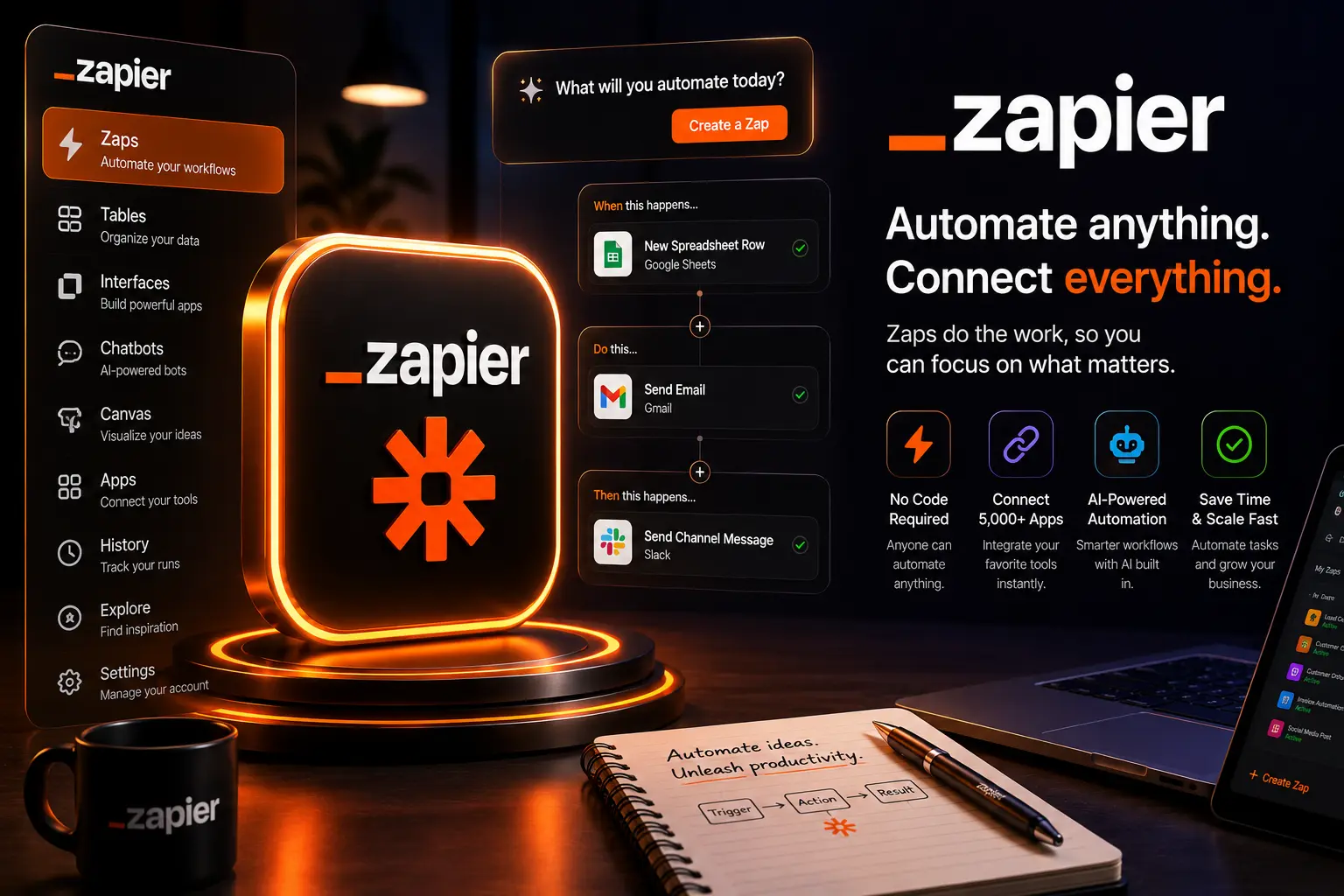
Zapier is a no-code automation platform that connects apps, orchestrates multi-step workflows and enables business users to automate repetitive tasks. In 2026 it combines a mature connector ecosystem with intelligent orchestration features, low-code steps, and optional AI-powered actions that simplify mapping, data transformation and error handling.
The Zapier value proposition
The platform’s value is simplicity plus scale: business teams design automations visually, while underlying reliability — retries, observability and governance — lets those automations run in production. Zapier’s 2026 improvements emphasize multi-step reliability, collaborative automation design, and tighter security controls for enterprise customers.
Key Features & Capabilities
- Extensive connectors — thousands of pre-built app integrations covering CRM, marketing, HR, finance and developer tooling.
- Visual workflow builder — drag-and-drop steps, conditional logic, branching and loops.
- AI-assisted mapping — model-driven field mapping and suggested transformations to reduce manual configuration.
- Error handling & retries — built-in dead-letter queues, retry policies and notifications.
- Team collaboration — shared folders, change history, role-based permissions and audit logs.
- Enterprise governance — SSO, SCIM, VPC egress, data residency and activity auditing.
- Developer extensibility — custom code steps, webhooks, and private app connectors.
1. Designing Reliable Automation
In practice, Zapier workflows (Zaps) are more reliable when designed with idempotence and observability in mind. Use deduplication keys, idempotent API calls and explicit success criteria for each step. Zapier’s 2026 features include native support for transactional patterns (checkpointing) and conditional retries that integrate with external monitoring.
Best practices
- Always include a unique event ID to prevent duplicate processing.
- Use conditional paths to protect downstream systems from bad data.
- Test with production-like data in a sandbox before enabling live triggers.
2. AI-Powered Automation & Data Mapping
By 2026 Zapier offers optional AI steps that suggest field mappings, transform text (summarize, translate, redact), and extract structured data from unstructured inputs. These AI capabilities are presented as suggestions that you must approve — preserving control while accelerating setup.
For sensitive data, enterprise plans provide on-prem or private inference options and allow teams to disable AI suggestions entirely.
3. Integrations & Ecosystem
Zapier’s strength is breadth: native connectors span popular SaaS platforms, developer tools and cloud services. For apps without a native connector, private integrations through webhooks or the Platform CLI let teams create vetted, private connectors that behave like first-class apps inside Zapier.
Developer flows
Developers ship connectors using Zapier’s CLI or UI-based app editor. Good connectors follow robust authentication flows (OAuth2 or API keys), expose meaningful triggers/actions, and include sample data for reliable testing.
4. Observability, Testing & Error Handling
Zapier provides a task history, logs, and replay tools to debug failed runs. In 2026 these observability tools integrate with external monitoring platforms (Datadog, Sentry) and include structured logs with trace IDs to correlate Zap runs with other systems.
Use automated alerts for step failures, and configure dead-letter queues to capture problematic payloads for later analysis.
5. Collaboration & Governance
Mature organizations require governance. Zapier meets this with role-based access control, folders for organizing automations, approval workflows for publishing, and audit logs that record who changed what and when. These features make Zapier suitable for cross-functional teams where business users and engineers co-own automations.
6. Security & Data Privacy
Security is central in 2026: Zapier supports SSO (SAML/OIDC), SCIM provisioning, VPC egress for enterprise network controls, and encryption at rest and in transit. For regulated workloads, Zapier offers contractual data processing terms, data residency options and private connector hosting.
Handling sensitive data
- Redact secrets and PII in logs and task history.
- Prefer server-side transforms in your controlled environment for highly sensitive processing.
- Use private apps or bring-your-own-connector to keep credentials out of Zapier where required.
7. Pricing & Plan Considerations (2026)
Zapier’s pricing tiers reflect intended usage patterns: individual/SMB, teams and enterprise. When evaluating costs, consider both the per-task pricing and the operational expenses of monitoring, maintenance and human approvals.
- Start with the free/individual tier to prototype — it covers basic automations with limited run volume.
- Teams plans add collaboration features and higher task volumes.
- Enterprise tiers unlock governance, SSO, VPC egress and premium support; negotiate for committed usage discounts and enterprise onboarding assistance.
8. 10 Professional Tips for Building Production Automations
- Model workflows as idempotent transactions — design for safe retries.
- Use explicit schema validation on incoming payloads to catch format drift early.
- Implement monitoring and trace IDs to connect Zap runs with downstream logs.
- Keep complex business logic in maintainable code services and use Zapier for orchestration.
- Version and document Zaps; include owner and runbook metadata for each automation.
- Leverage AI mapping as a time-saver, not a replacement for validation.
- Set sensible rate limits and backoff policies to protect APIs you call.
- Use private apps for sensitive integrations and avoid embedding secrets in steps.
- Run regular chaos tests — simulate failures and observe recovery behavior.
- Establish clear on-call rotations for automation failures that affect customers.
9. Common Mistakes to Avoid
- Running production automations without monitoring or alerts.
- Overloading Zaps with heavy business logic that becomes hard to maintain.
- Not planning for schema changes in connected apps (causes silent failures).
- Using AI mapping blindly without sample-data validation.
- Failing to rotate credentials and manage connector secrets securely.
10. When to Choose Zapier
Zapier is an excellent choice when you need rapid time-to-value, a broad app ecosystem, and a visual workflow builder that non-developers can use safely. Consider Zapier when:
- Your automation needs are integration-centric (CRM, email, form submissions).
- You want business teams to iterate without constant engineering support.
- You need a proven platform with enterprise governance for production automation.
11. Real-world Example: Order-to-Cash Automation
A typical enterprise flow automates order intake to invoicing: a webhook receives order events, Zapier validates and enriches the payload (RFM scoring, discount rules), creates a record in the ERP, notifies sales via Slack, and creates a ticket in the billing system if manual review is required. Each step includes retries, idempotency keys and dead-letter handling for failed transforms.
12. Practical Final Verdict (2026)
Zapier continues to be a best-in-class no-code automation platform for teams that prioritize speed, breadth of integrations and low-friction ownership. Its 2026 advances — AI-assisted mapping, improved observability and stronger enterprise controls — make it suitable for many production workloads. However, for extremely high-throughput, latency-sensitive, or deeply custom automation, a developer-centric orchestration platform or in-house solution may be more appropriate.
Bottom line: use Zapier for reliable, fast-to-market automations that must integrate many SaaS products, and combine it with engineering-built services where complexity or performance require code.
Official Link & Further Reading
For the latest features, connectors and enterprise options, visit:
✨ Try Zapier — Official